
Jobs & online status
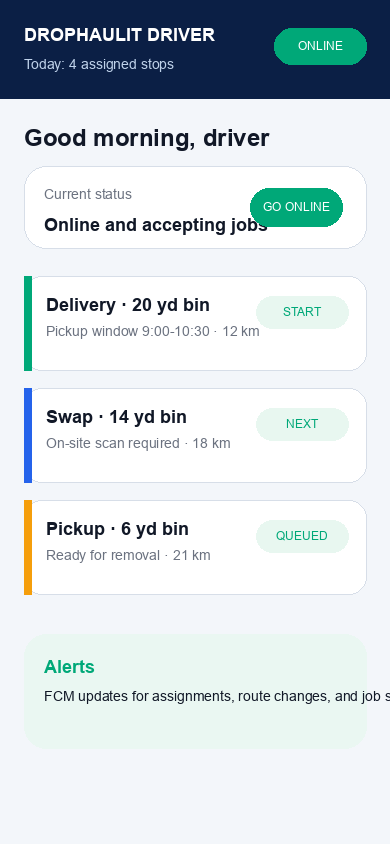
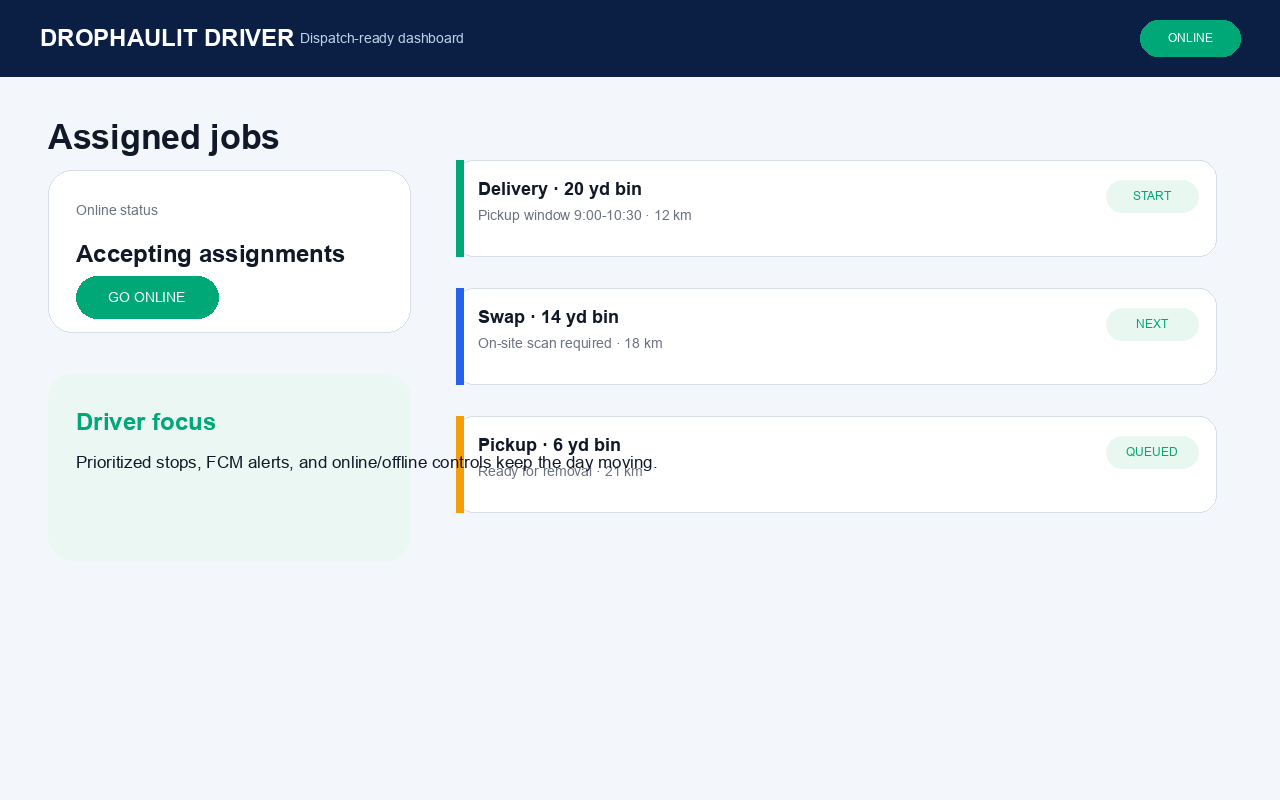
Start the shift by going online, then work from a prioritized job list with assignment alerts, stop details, and dispatch-ready context.
Driver app
Drivers can go online, see prioritized jobs, navigate every stop, scan bins on site, and keep dispatch updated without bouncing between tools.
Start the shift by going online, then work from a prioritized job list with assignment alerts, stop details, and dispatch-ready context.
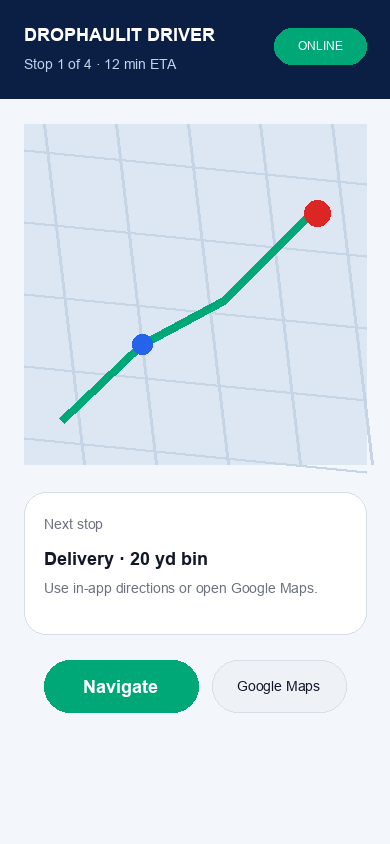
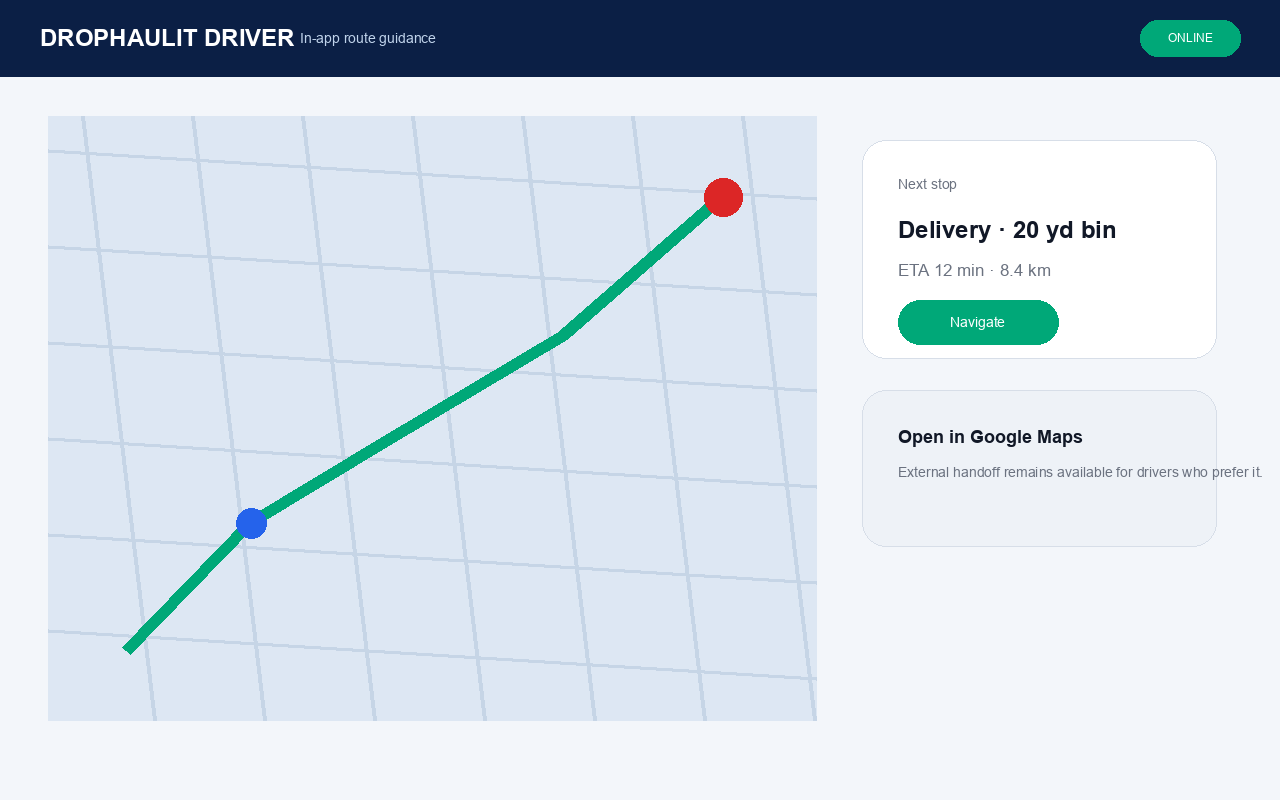
Use in-app directions for the next job, keep route context close to the assignment, and open the same destination in Google Maps when needed.
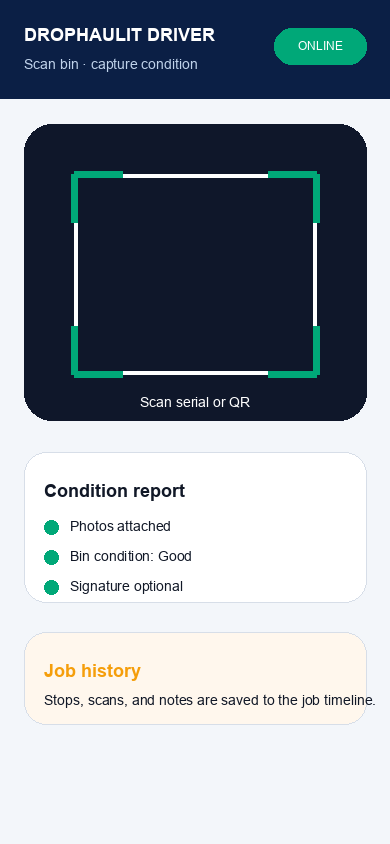
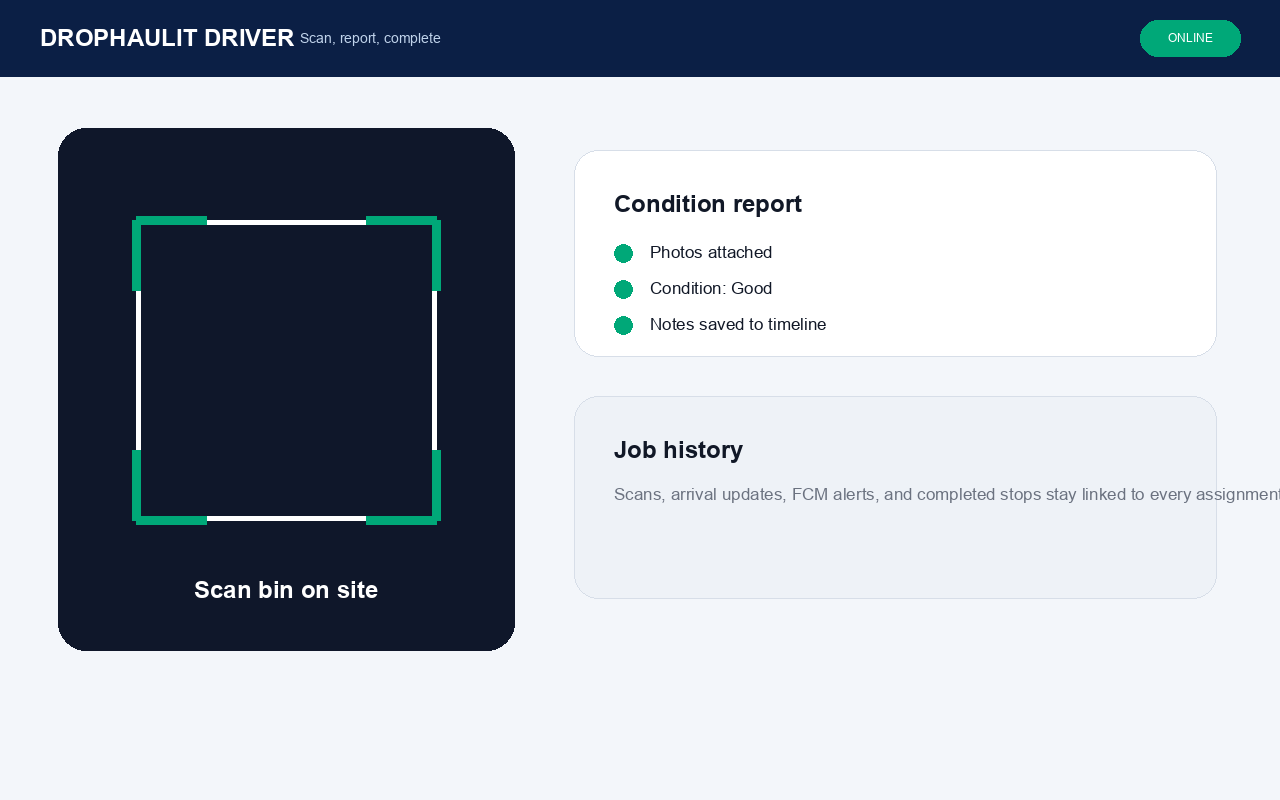
Scan bins, confirm arrival, add condition notes or photos, and save the stop history so suppliers and customers stay aligned.
Also included
Driver app